Unlocking the Secrets of Spreadsheets: A Beginner's Guide to Understanding Rows And Columns
Spreadsheets, a fundamental tool in data analysis, project management, and accounting, are often misunderstood, even by those who use them regularly. Rows and columns, the building blocks of spreadsheets, can be confusing, especially for beginners. However, understanding how to utilize rows and columns effectively is crucial for maximizing the potential of a spreadsheet. In this article, we will delve into the world of rows and columns, providing a simple explanation of their functionality and usage.
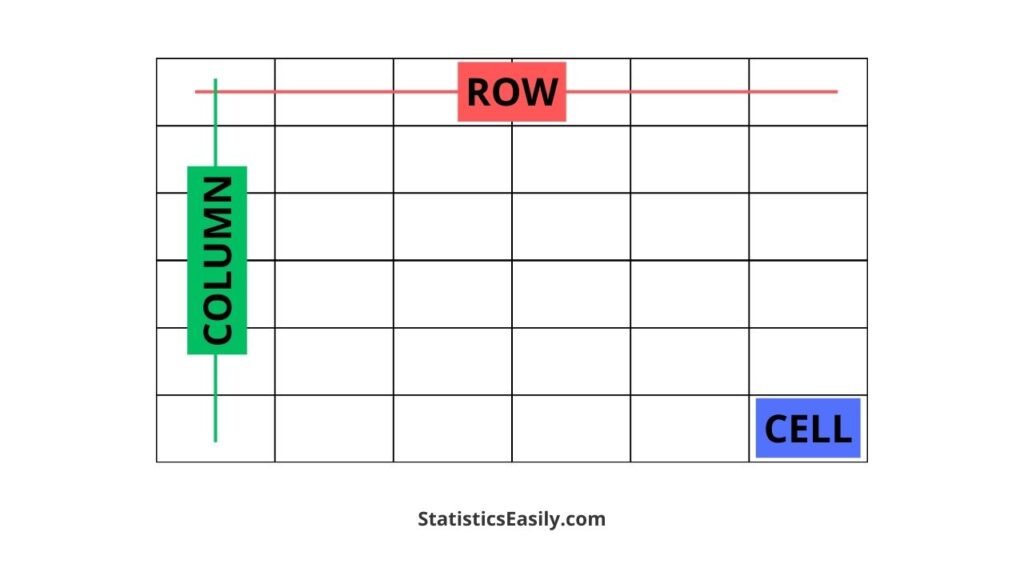
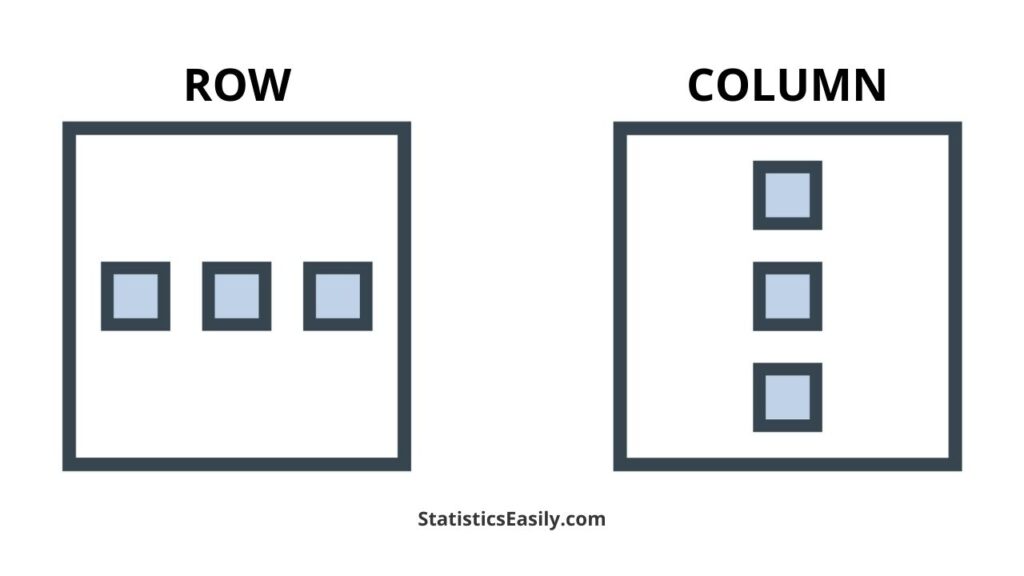
Rows and columns form the skeleton of a spreadsheet, allowing users to organize and manipulate data with precision. A row represents a single horizontal line of cells, each containing a piece of information, while a column represents a vertical line of cells, all sharing the same characteristics. The intersection of rows and columns creates cells, the basic unit of data storage in a spreadsheet.
According to Microsoft Excel's official documentation, "rows and columns are the essential building blocks of a worksheet." Understanding how to work with rows and columns can make a significant difference in spreadsheet productivity and accuracy.
Identifying Rows And Columns
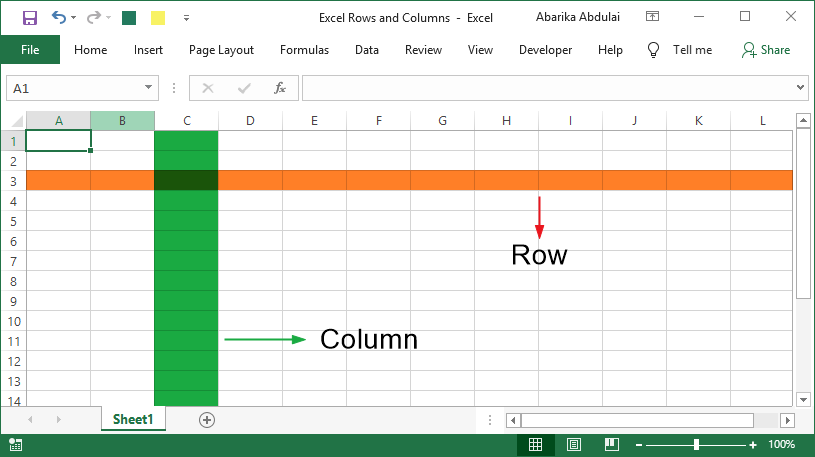
Identifying rows and columns is the first step to working with them effectively. In most spreadsheet software, including Microsoft Excel, rows are labeled numerically, starting from 1 and incrementing downwards. Columns, on the other hand, are labeled alphabetically, starting from A and incrementing horizontally. The intersection of rows and columns creates cells, which can be identified by a combination of row number and column letter.
For example, cell A1 is located in the first row (1) and the first column (A). Similarly, cell C3 is located in the third row (3) and the third column (C). Cell locations can be referenced using the ROW and COLUMN functions in formulas, allowing users to access specific cells based on their row and column positions.
How Rows And Columns Are Used
Rows and columns serve as a foundation for various spreadsheet operations, including data entry, calculations, conditional formatting, and data visualization. By leveraging the structure of rows and columns, users can create powerful worksheets that meet specific needs and objectives.
Some common uses of rows and columns include:
- Creating tables with data from multiple categories: Rows can be used to represent separate categories, while columns can represent different characteristics of each category.
- Organizing data with headers: Columns can be used to display header information, while rows can contain data corresponding to each header.
- Creating formulas based on cell references: Users can reference cells in specific rows and columns using formulas, allowing for calculations across multiple cells.
- Conditional formatting: Rows and columns can be used to apply conditional formatting, highlighting specific cells based on user-defined criteria.
Best Practices For Working With Rows And Columns
To maximize the potential of rows and columns, follow these best practices:
- Label rows and columns clearly: Use descriptive labels to identify rows and columns, especially when working with large datasets.
- Use headers consistently: Header rows and columns should be consistent across the worksheet, ensuring that data is organized logically.
- Keep rows and columns organized: Regularly review and update rows and columns to ensure data is up-to-date and accurate.
- Experiment with different layouts: Use columns to group similar data or separate unrelated data to create a clear and concise worksheet.
Conclusion: Unlocking The Secrets Of Spreadsheets
Understand rows and columns to unlock the full potential of your spreadsheet. By grasping these fundamental concepts, you can create powerful, user-friendly, and error-free worksheets. With practice and experience, you'll become a proficient spreadsheet user, making informed decisions and solving complex problems with ease.