PXE Boot Option ROM: Your Network Booting Explained
As technology advances, the way we deploy and manage computer systems is becoming increasingly complex. With the rise of cloud computing and the need for faster deployment and reduced maintenance, the role of PXE booting has become more significant than ever. In this article, we'll delve into the world of PXE booting, specifically the PXE Boot Option ROM, and explore how it enables network booting. We'll examine the benefits, protocols, and implementation considerations to help you understand the intricacies of this essential technology.
Network booting, also known as remote booting or network installation, is a process where a computer's operating system is loaded from a remote server over a network, eliminating the need for a local hard drive or disk. This approach offers numerous advantages, including reduced hardware requirements, simplified maintenance, and faster deployment. PXE (Preboot Execution Environment) booting is a popular method for implementing network booting, relying on the PXE boot option ROM, a small program that runs on the network interface card (NIC).
**How PXE Boot Option ROM Works**
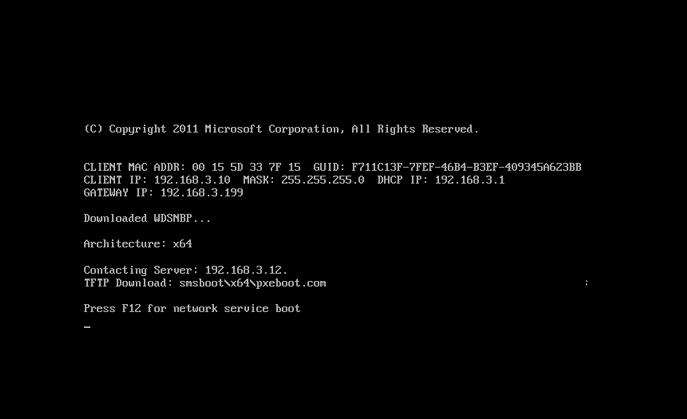
PXE booting uses the PXE protocol to discover and communicate with a boot server, known as a PXE server. The PXE Boot Option ROM is typically embedded in the NIC or a separate device attached to the system. The ROM executes a set of instructions that enables the system to boot and obtain a network connection via DHCP (Dynamic Host Configuration Protocol). Once connected, the system retrieves a boot image from the PXE server, which then loads the operating system.
Here's a high-level overview of the PXE booting process:
* The system boots, loading the PXE Boot Option ROM.
* The ROM sends a DHCP request to obtain an IP address and configuration.
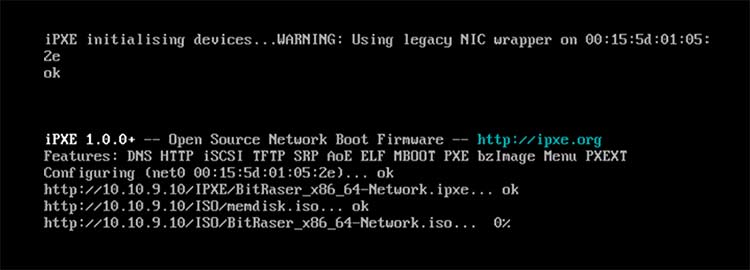
* The system receives the IP address and boot image from the PXE server.
* The system loads the kernel and initial RAM disk, then retrieves the operating system.
This streamlined process enables the rapid deployment of multiple systems, as each machine can be booted independently without requiring physical media.
**Key Benefits of PXE Booting**
PXE booting offers a range of advantages that make it a preferred choice for network booting:
* **Flexibility**: PXE booting allows for flexible configuration and customization, enabling administrators to tailor the boot process to their specific needs.
* **Simplification of Maintenance**: With PXE booting, the need for physical media is eliminated, simplifying system maintenance and replacement.
* **Faster Deployment**: Network booting reduces the time required for system deployment, allowing IT administrators to quickly provision and configure machines.
* **Reduced Cost**: By minimizing the need for physical media and reducing the number of applications required, PXE booting can help reduce costs associated with IT maintenance.
The benefits of PXE booting have been recognized by organizations across various industries, including education, healthcare, and finance.
Common Use Cases for PXE Booting
PXE booting has numerous applications in various fields:
* **Deployment**: PXE booting is used in mass deployments, such as those found in manufacturing and production environments.
* **Upgrade and Maintenance**: IT administrators use PXE booting to upgrade and maintain systems without interrupting business operations.
* **Lab Environments**: PXE booting is a staple in lab environments, allowing administrators to rapidly configure and recycle systems.
Let's examine a few examples of how PXE booting is applied in real-world scenarios:
**Case Study 1: Manufacturing Plant**
A large manufacturing plant employs over 500 workers who require computers for various tasks, including machine automation and inventory management. To streamline production and maintenance, the plant's IT team implemented PXE booting, which enabled them to quickly configure and update computers across the entire facility. Administrators can now easily deploy new software, patch security vulnerabilities, and swap out faulty machines without disrupting production.
**Case Study 2: Educational Institution**
A university implemented PXE booting to support its computer-aided instruction (CAI) program, which relies on virtual labs for teaching and testing. The institution's IT team created a PXE server that provided the necessary boot images for the lab computers, simplifying the maintenance process and reducing the need for IT support staff.
**Implementing PXE Booting: Best Practices**
To ensure successful implementation, IT administrators should follow these best practices:
1. Plan and Test Thoroughly: Develop a comprehensive plan, involving pilots and thorough testing to minimize deployment risks.
2. Select a Reliable PXE Server: Choose a well-tested, high-quality PXE server that meets the organization's needs.
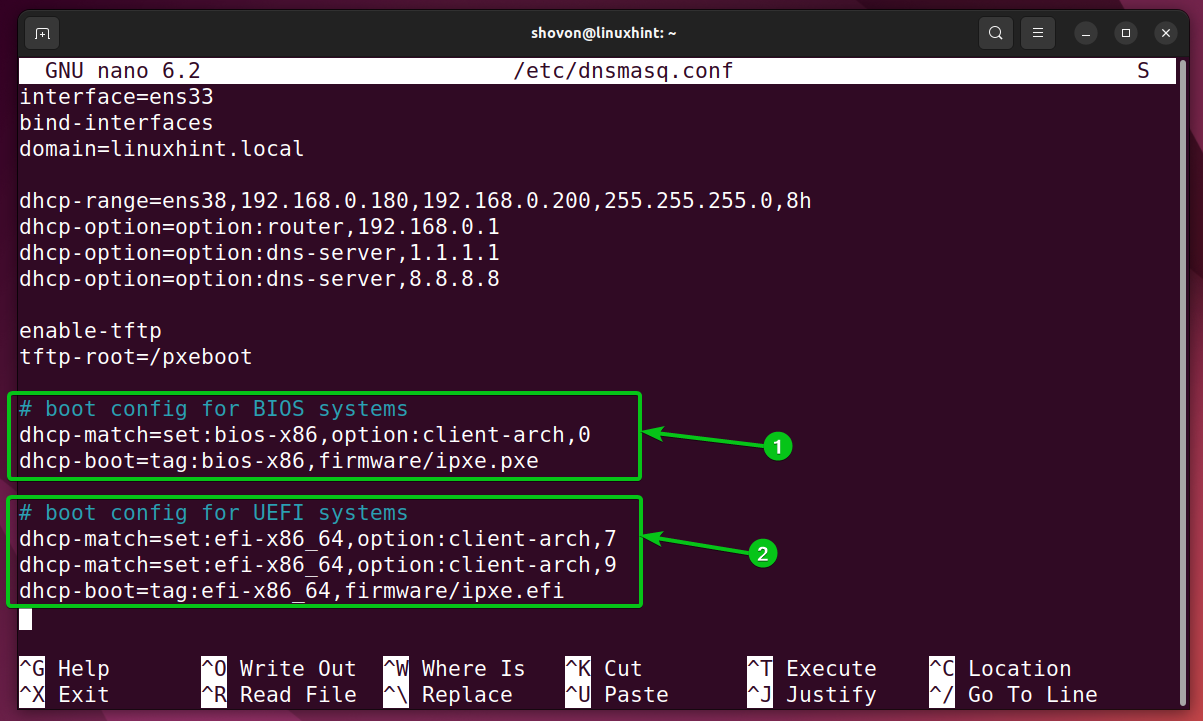
3. Configure the PXE Environment: Set up the PXE environment, including boot images, server configuration, and network settings.
4. Develop and Maintain a Boot Image: Create a reliable, flexible, and efficient boot image.
5. Provide Support and Training: Offer training and support services to help personnel adapt to the new network booting architecture.
PXE booting, driven by the PXE Boot Option ROM, offers a comprehensive and efficient network booting solution that has revolutionized the way organizations manage and maintain computer systems. By understanding the key benefits, protocols, and implementation considerations outlined above, IT administrators can harness the power of PXE booting to streamline deployment, simplify maintenance, and maximize the potential of their network infrastructure.